> For the complete documentation index, see [llms.txt](https://helpcenter.xopero.com/xopero-one-en/llms.txt). Markdown versions of documentation pages are available by appending `.md` to page URLs; this page is available as [Markdown](https://helpcenter.xopero.com/xopero-one-en/common-issues/workstations-and-servers/backup-ends-with-a-dw1010-warning.md).
# Backup ends with a DW1010 warning
## Issue
> Device backup ends with a **DW1010** warning.
***
## Cause
The **DW1010** warning indicates that not all query items were found. In other words, a folder specified in the query does not exist on the device.
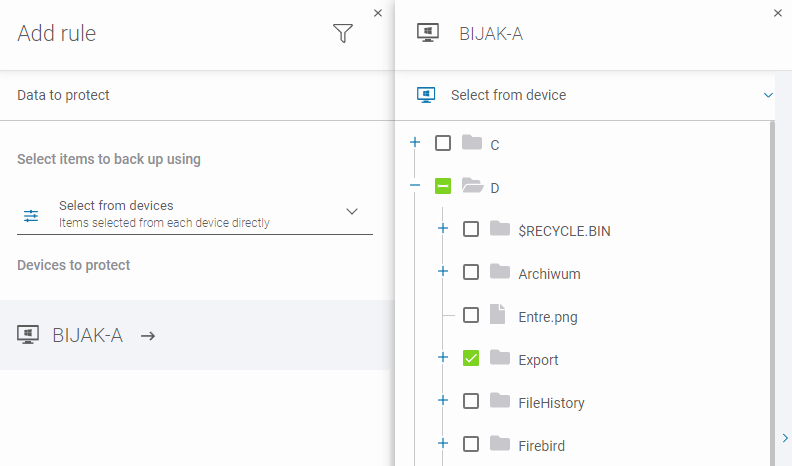
For example, the **Export** folder on the **D:** drive was selected for backup. If the folder has been deleted or moved, the backup task will still reference the original location.
***
## Resolution
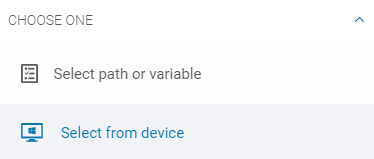
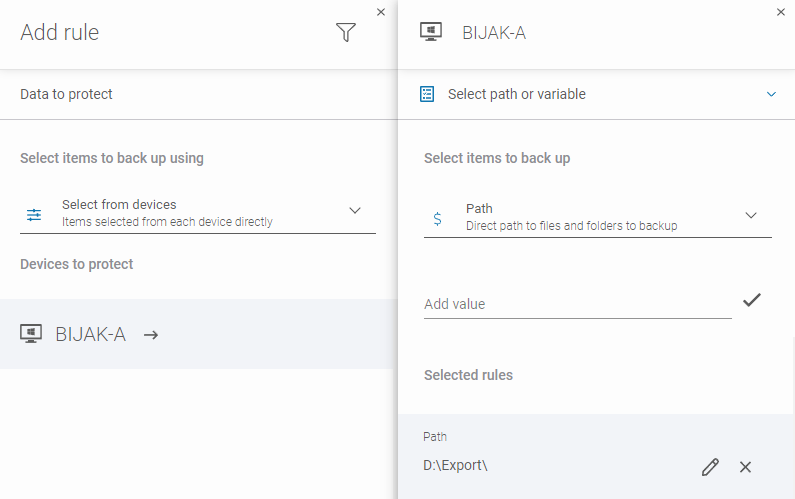
1. In **Data to protect** settings of your backup plan, switch from **Select from device** to **Select path or variable**.
2. Identify the missing path and specify its new location. You can either:
1. Edit the existing path.
2. Delete the old path and add a new one.