> For the complete documentation index, see [llms.txt](https://helpcenter.xopero.com/xopero-one-en/llms.txt). Markdown versions of documentation pages are available by appending `.md` to page URLs; this page is available as [Markdown](https://helpcenter.xopero.com/xopero-one-en/management/devops/editing-an-organization.md).
# Editing an organization
This article explains how to edit or remove DevOps organization integration from Xopero ONE.
#### To edit a DevOps organization integration in Xopero ONE, go to the DevOps tab, navigate to the relevant section and select Edit.
***
## Editing
### Integration method
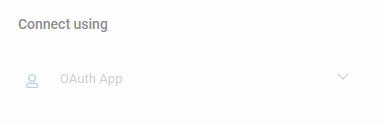
Since your **DevOps** environment is already added, the integration method cannot be edited. To modify it, you must remove your organization and add it again.
### Repository settings
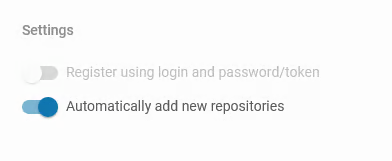
You can adjust the setting that automatically adds new repositories to **Xopero ONE**. To change this option, toggle the switch in the **Settings** section.
### Default worker
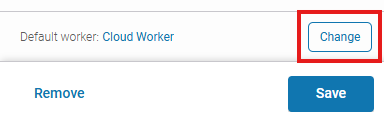
You can change the default device, which is responsible for performing backup and recovery tasks.
### Throttling prevention
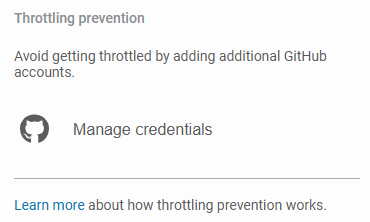
If you want to add additional accounts to reduce throttling, you can add and manage their credentials here.
### Synchronization settings
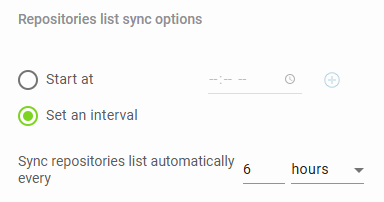
Here you can edit the synchronization settings, including the repository list synchronization options.
***
## Organization removal
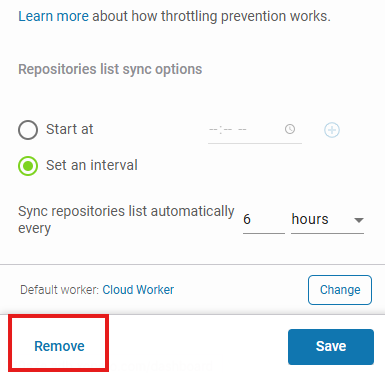
To remove a **DevOps** organization from **Xopero ONE**, click the **Remove** button located at the bottom of the **Edit organization** window.