> For the complete documentation index, see [llms.txt](https://helpcenter.xopero.com/xopero-one-en/llms.txt). Markdown versions of documentation pages are available by appending `.md` to page URLs; this page is available as [Markdown](https://helpcenter.xopero.com/xopero-one-en/management/devops/organization-dashboard.md).
# Organization dashboard
Learn more about the DevOps organization dashboards.
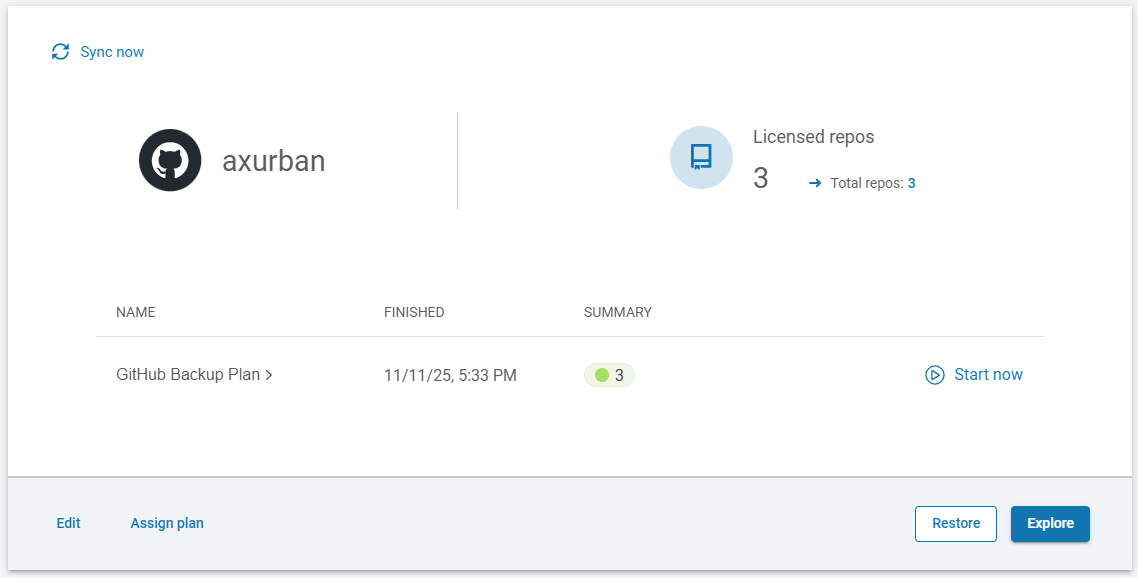
#### In [**XMS**](#user-content-fn-1)[^1], both devices and organizations have dedicated dashboard panels that allow you to view and manage all related details.
***
## Organization details
Every organization you have added to **Xopero ONE** is displayed in relevant **DevOps** dashboard.
***
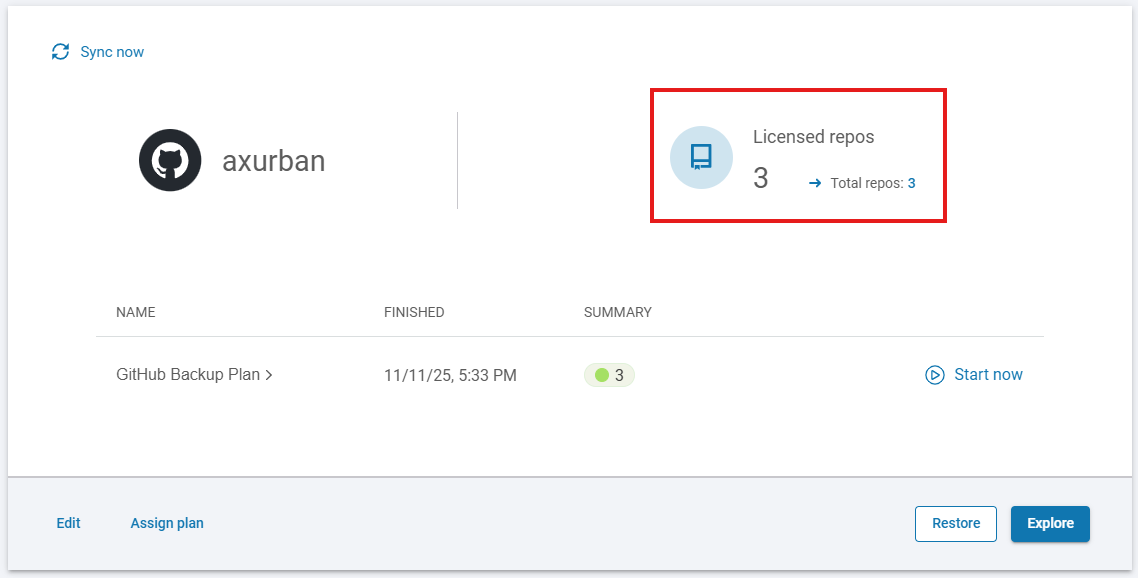
## Protected repositories
This section displays information about all your repositories, including the total number of repositories and those with an assigned license.
***
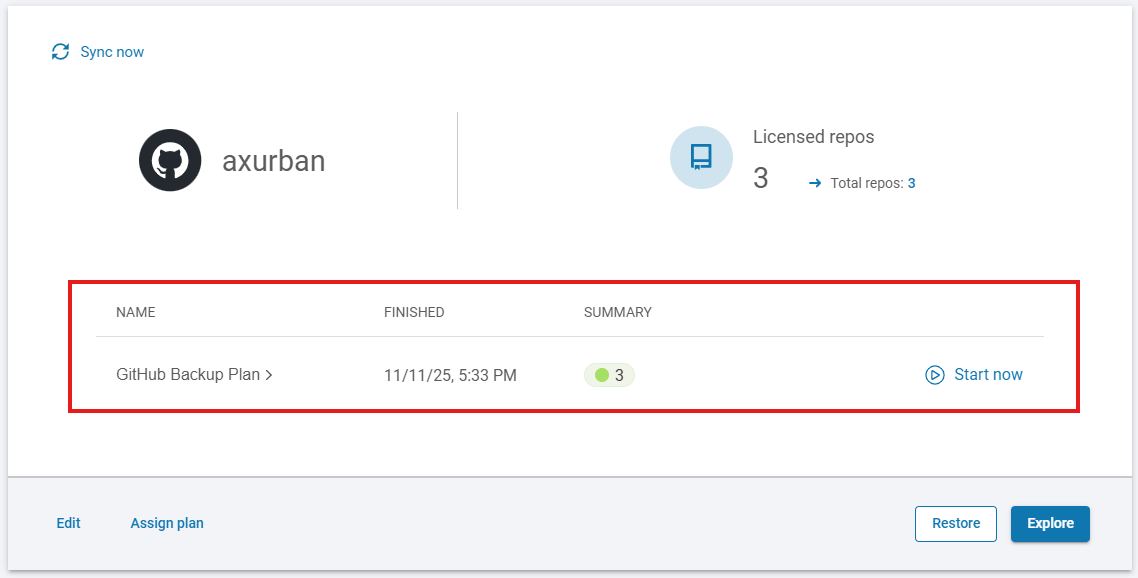
## Assigned plans
Here you can see all backup plans assigned to your organization, together with the latest backup status.
***
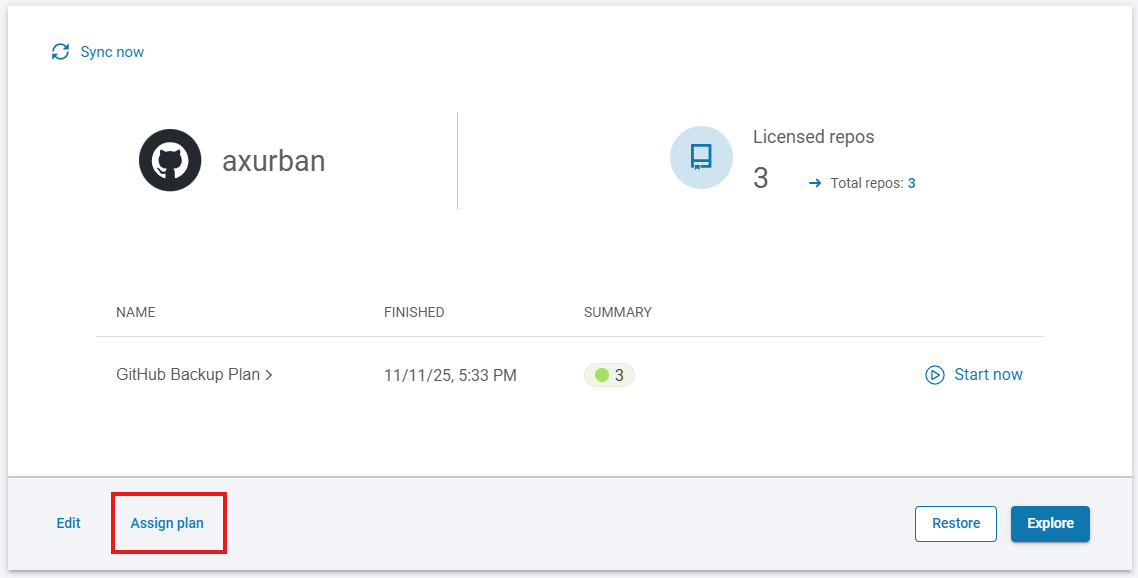
## Plan assignment
You can assign your organization to an existing backup plan or create a new one using the **Assign plan** option.
***
## Management
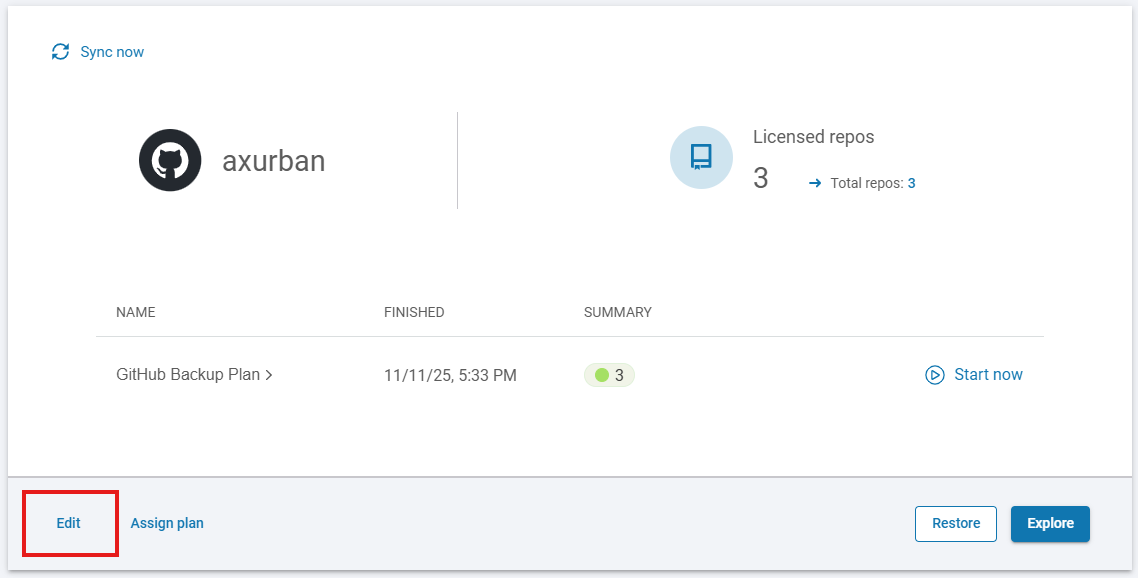
You can edit your organization details using the **Edit** option.
***
## Recovery
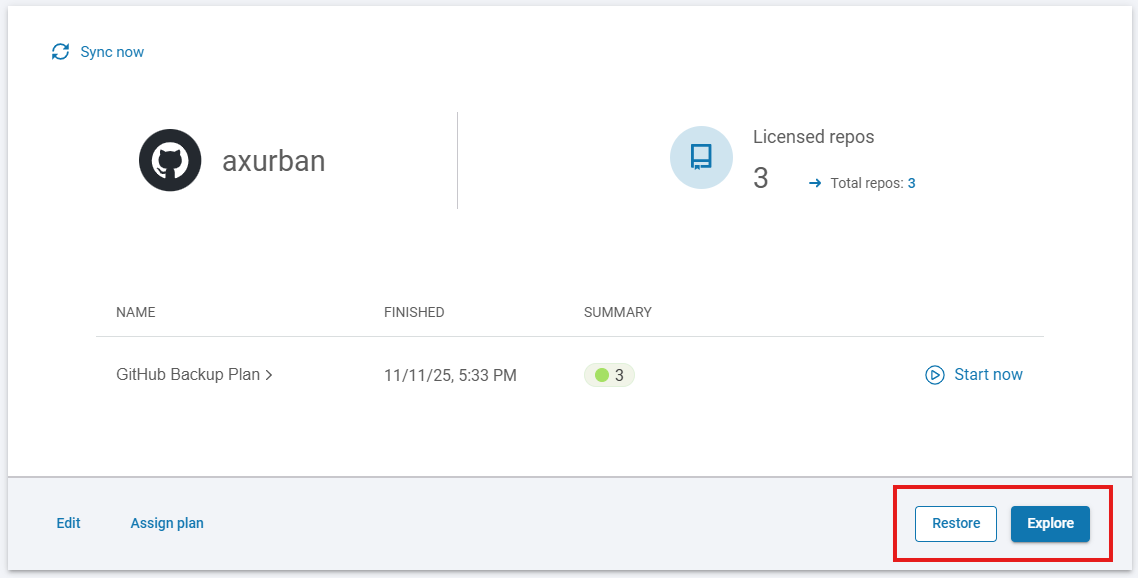
The **Restore** and **Explore** buttons show a list of repositories in the organization, with the recovery panel displayed on the side.
[^1]: Xopero ONE Management Service