> For the complete documentation index, see [llms.txt](https://helpcenter.xopero.com/xopero-one-en/llms.txt). Markdown versions of documentation pages are available by appending `.md` to page URLs; this page is available as [Markdown](https://helpcenter.xopero.com/xopero-one-en/pl/aktualizacje/xopero-one-management-service/aktualizacja-w-systemie-linux.md).
# Aktualizacja w systemie Linux
Niniejszy artykuł opisuje proces aktualizacji Xopero ONE Management Service na komputerach z systemem Linux.
#### Ideą aktualizacji Management service jest wykonanie kilku kroków w kreatorze instalacji, które opisano poniżej.
***
## Proces aktualizacji
{% hint style="info" %}
Poniższa instrukcja ma zastosowanie dla modelu wdrożenia on-premise **Xopero ONE Management Service**.
{% endhint %}
{% stepper %}
{% step %}
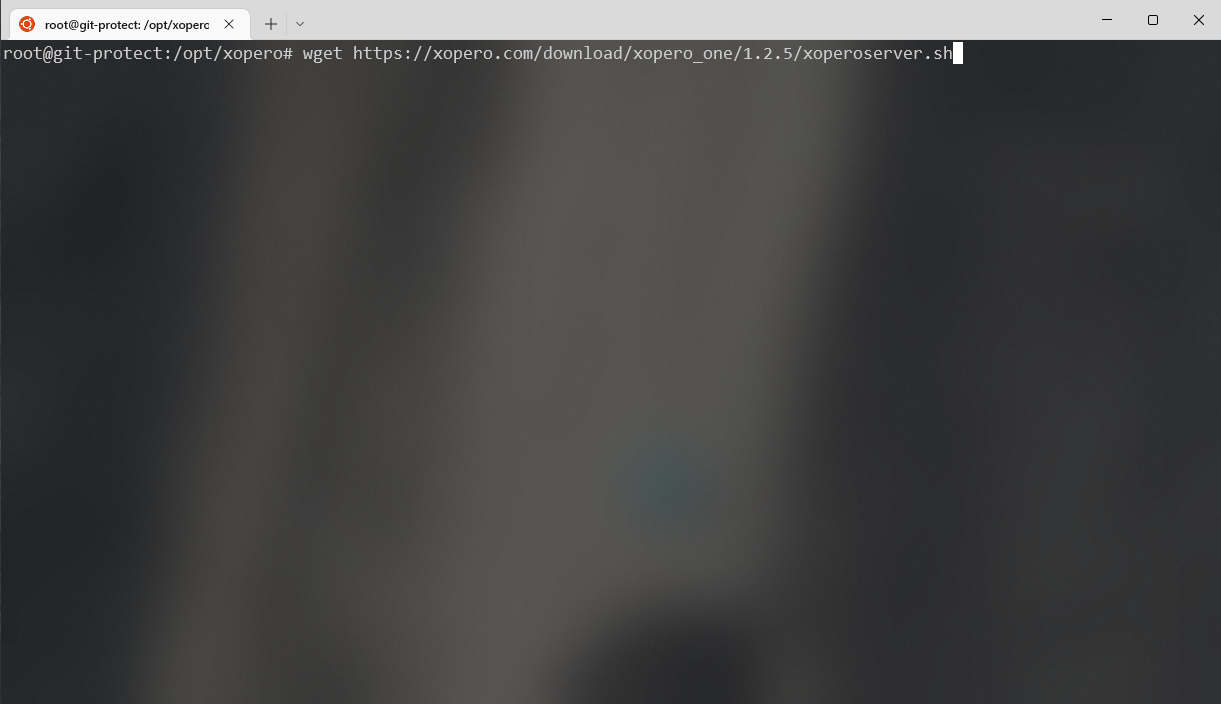
Pobierz instalator **Xopero ONE Management Service** (`xoperoserver.sh`) i uruchom go.
{% endstep %}
{% step %}
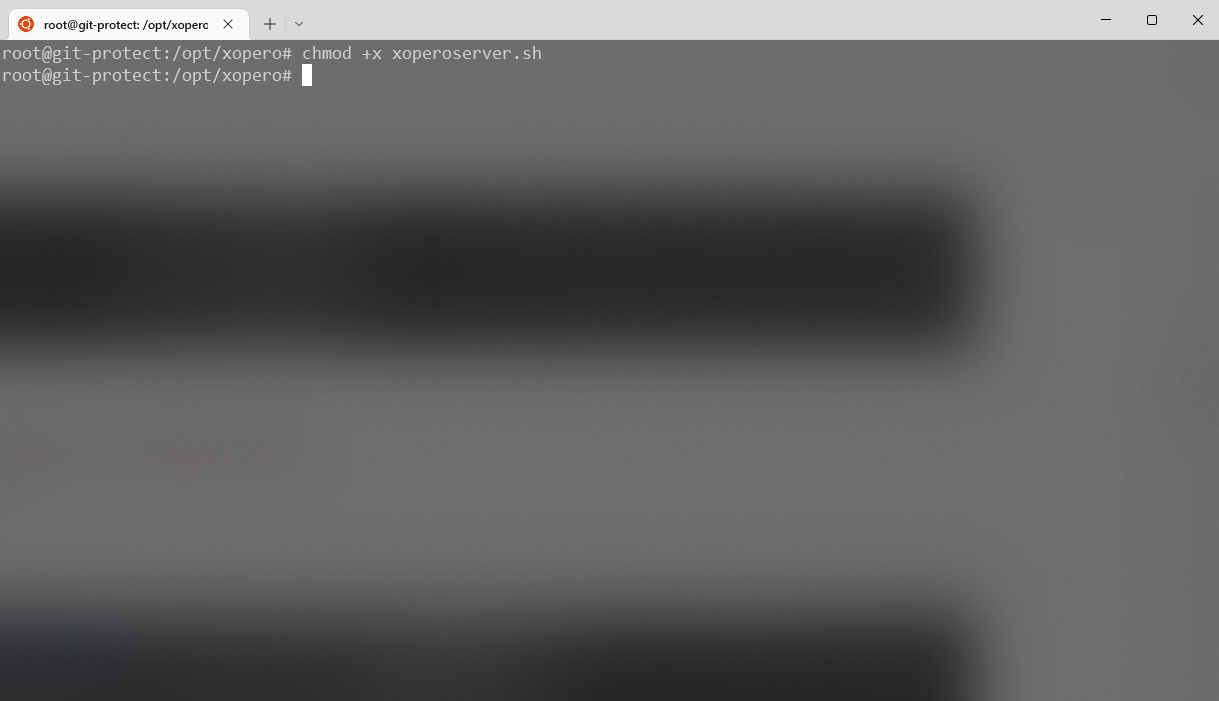
**Nadaj uprawnienia** pobranemu plikowi, używając następującego polecenia:
```
chmod +x xoperoserver.sh
```
{% endstep %}
{% step %}
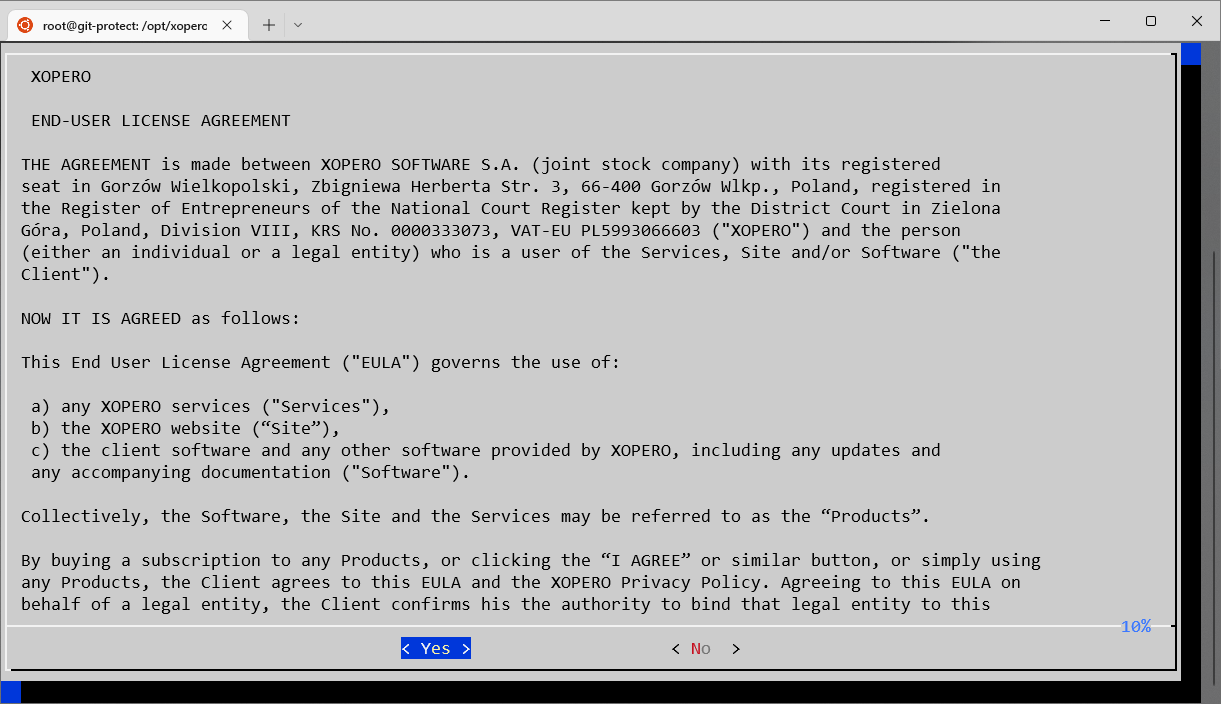
Uruchom plik `xoperoserver.sh` i potwierdź [**Umowę Licencyjną Użytkownika Końcowego**](#user-content-fn-1)[^1], aby kontynuować.
{% endstep %}
{% step %}
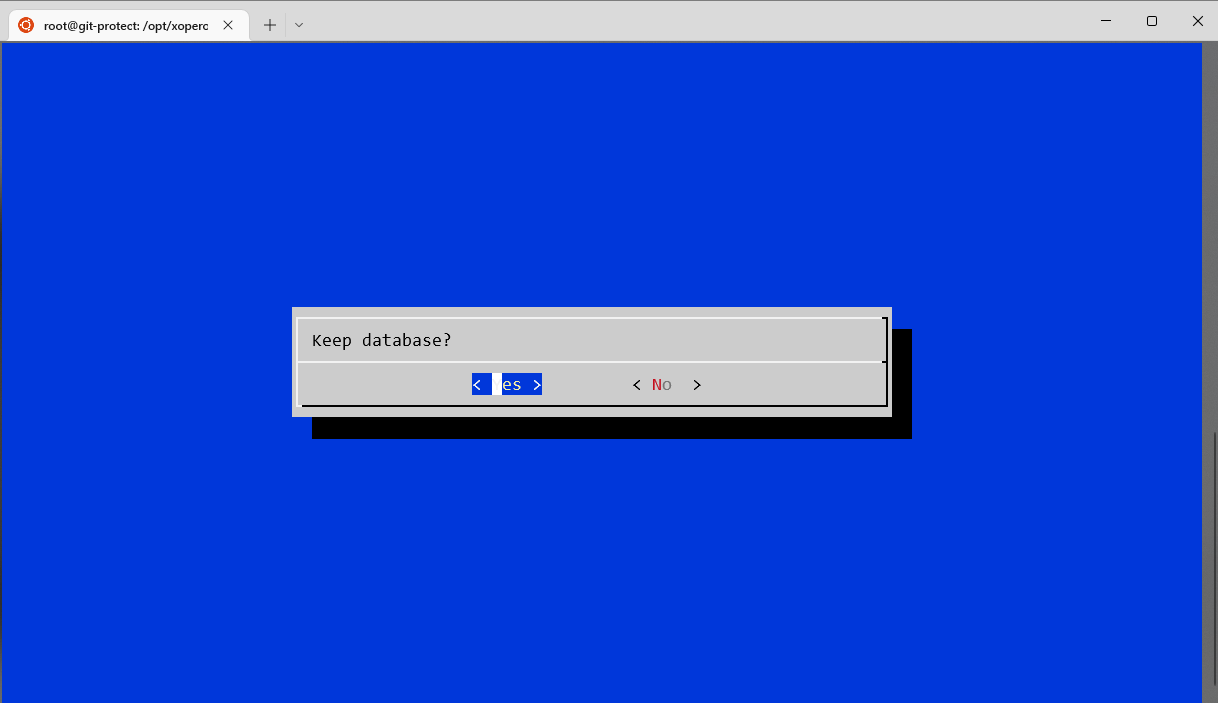
Zachowaj starą bazę danych, klikając **Tak (Yes)**.
{% endstep %}
{% step %}
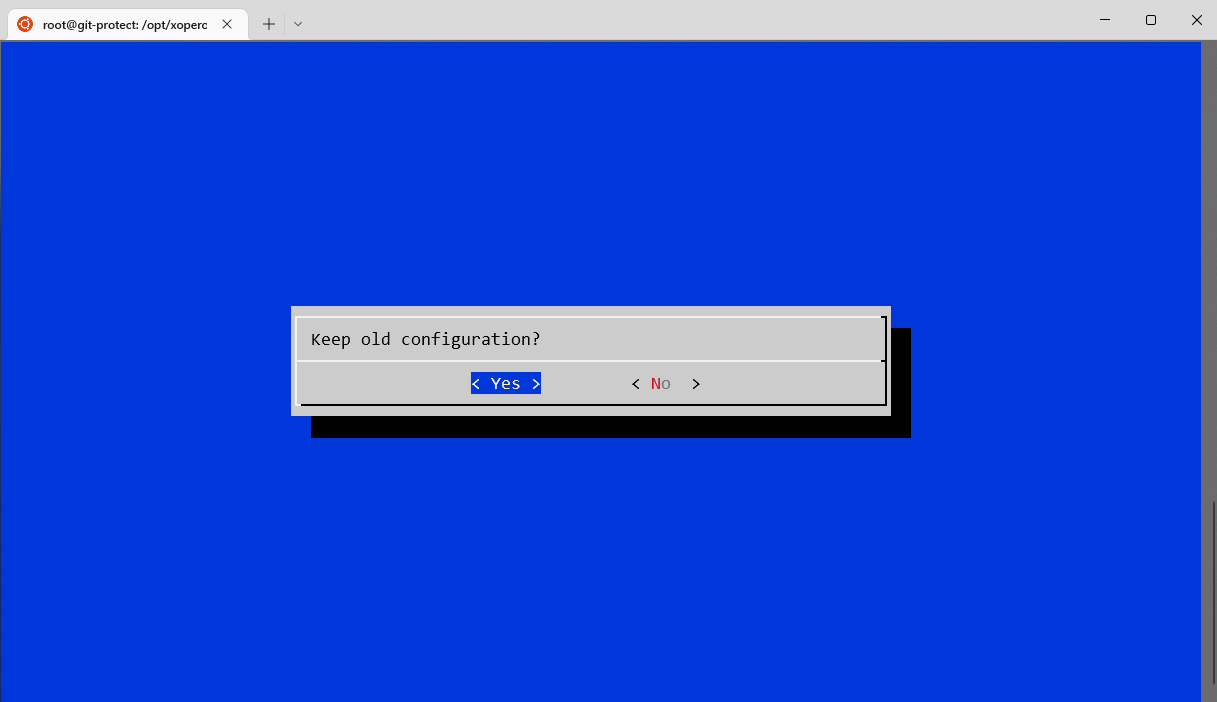
Zachowaj starą konfigurację, klikając **Tak (Yes)**.
{% endstep %}
{% step %}
Po zakończeniu tego procesu zamknij okno instalacji oprogramowania, klikając **OK**.
{% endstep %}
{% step %}
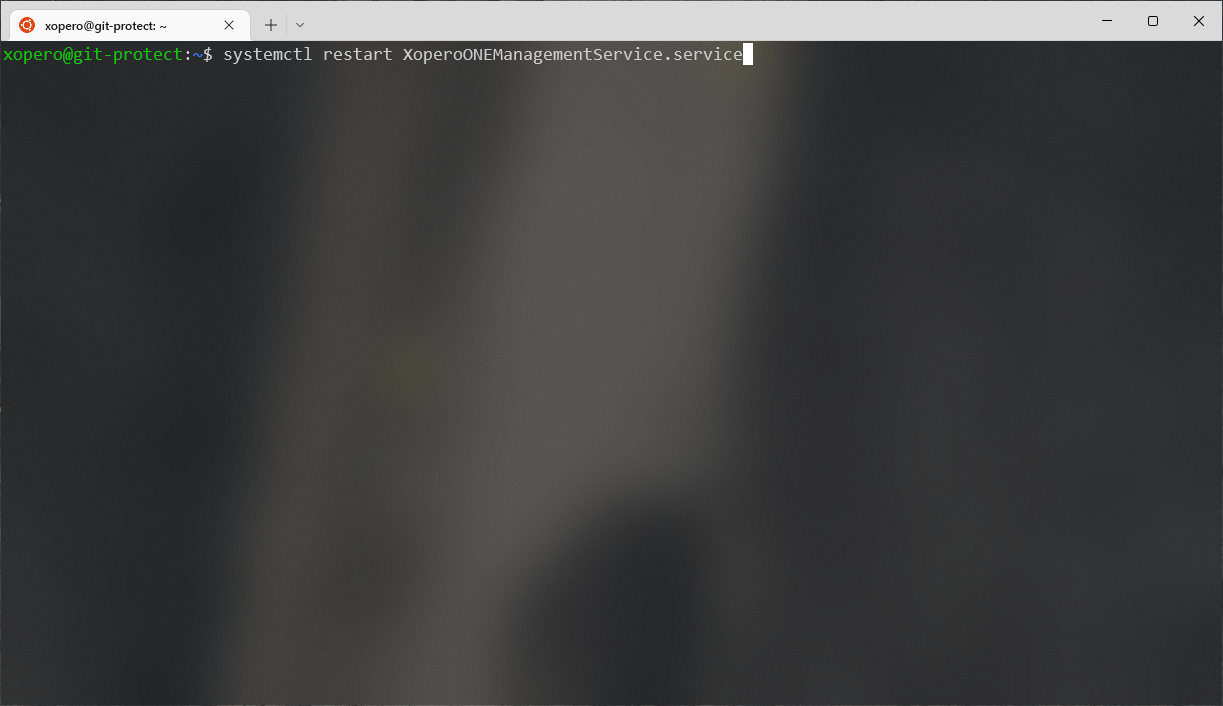
Zrestartuj usługę konsoli **Xopero ONE** za pomocą następującego polecenia:
```
systemctl restart XoperoONEManagementService.service
```
{% endstep %}
{% step %}
Usługa **Xopero ONE Management Service** została zaktualizowana i jest gotowa do pracy.
{% endstep %}
{% endstepper %}
[^1]: End-User License Agreement