> For the complete documentation index, see [llms.txt](https://helpcenter.xopero.com/xopero-one-en/llms.txt). Markdown versions of documentation pages are available by appending `.md` to page URLs; this page is available as [Markdown](https://helpcenter.xopero.com/xopero-one-en/pl/magazyny-danych/magazyn-lokalny/dodawanie-nowego-magazynu/minio-s3.md).
# MinIO S3
{% hint style="info" %}
**MinIO** to otwarty (**open-source**), wysokowydajny, rozproszony system przechowywania obiektów, zgodny z publicznym interfejsem **API Amazon S3**. Służy jako lokalna alternatywa dla rozwiązań chmurowych. Więcej informacji znajdziesz na [stronie internetowej MinIO](https://min.io/).
{% endhint %}
{% stepper %}
{% step %}
Zaloguj się do swojego panelu administratora **Xopero ONE Management Service** (**XMS**), otwórz zakładkę **Magazyny** i kliknij przycisk **(+) Dodaj magazyn**.
{% endstep %}
{% step %}
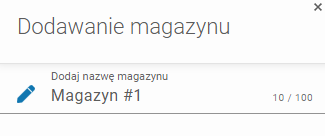
W formularzu **Dodaj magazyn**, zdefiniuj nazwę magazynu.
{% endstep %}
{% step %}
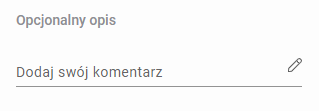
W razie potrzeby dodaj opcjonalny opis.
{% endstep %}
{% step %}
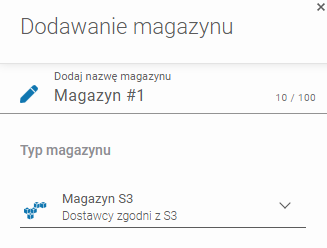
Rozwiń listę **Typów magazynu** i wybierz **Magazyn S3 (Dostawcy zgodni z S3)**.
{% endstep %}
{% step %}
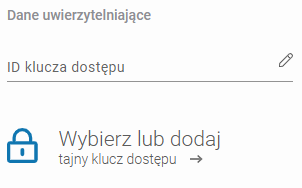
Wprowadź swoją **nazwę użytkownika MinIO** w polu **ID klucza dostępu** i wybierz (lub dodaj) klucz **tajny klucz dostępu** z **Managera haseł**.
{% hint style="warning" %}
Zarówno **ID klucza dostępu** jak i **tajny klucz dostępu** to dane logowania do MinIO
{% endhint %}
{% hint style="info" %}
Więcej o korzystaniu z **Managera haseł** dowiesz się [tutaj](/xopero-one-en/pl/zarzadzanie/manager-hasel.md).
{% endhint %}
{% endstep %}
{% step %}
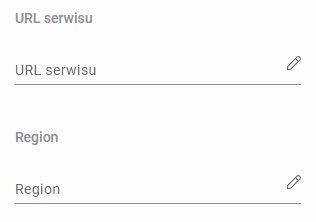
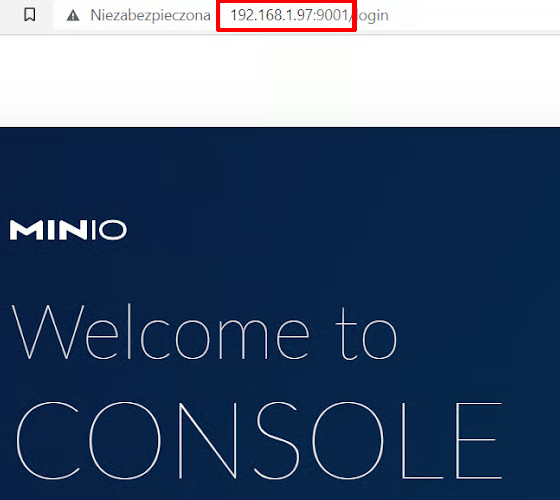
Ustaw **URL Serwisu** na adres **IP swojej konsoli MinIO** w formacie `http://address:port`. Domyślny port **MinIO** to 9000.
Adres IP konsoli MinIO.
{% endstep %}
{% step %}
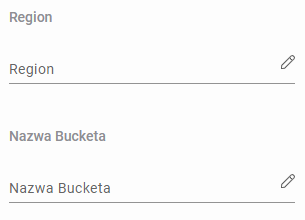
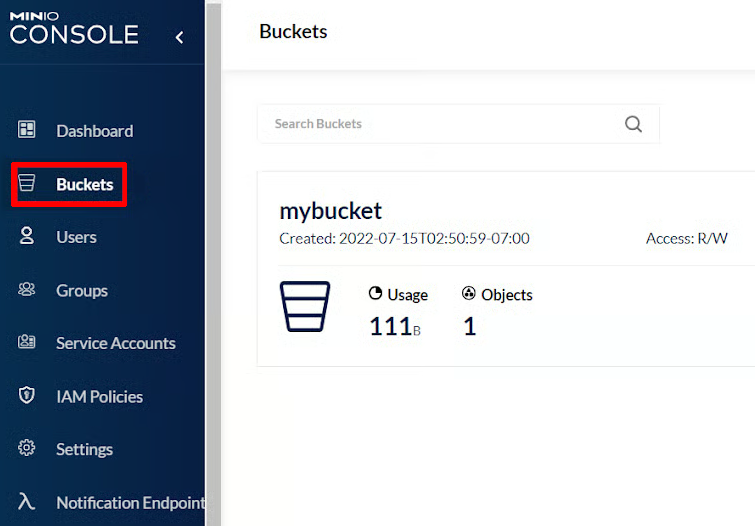
Ustaw nazwę bucketa.
{% hint style="info" %}
Bucket tworzy się za pomocą konsoli webowej **MinIO** (**Buckets** > **Create Bucket ➕**).
{% endhint %}
{% endstep %}
{% step %}
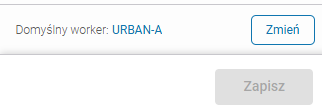
Upewnij się, że urządzenie przeglądające (worker) może wykryć magazyn. Użyj przycisku **Zmień**, aby wybrać **Maszynę przeglądającą** spośród urządzeń przypisanych do **Xopero ONE**, która połączy zasób udostępniony z systemem.
{% endstep %}
{% step %}
Aby zakończyć konfigurację magazynu, kliknij **Zapisz**.
{% endstep %}
{% endstepper %}