> For the complete documentation index, see [llms.txt](https://helpcenter.xopero.com/xopero-one-en/llms.txt). Markdown versions of documentation pages are available by appending `.md` to page URLs; this page is available as [Markdown](https://helpcenter.xopero.com/xopero-one-en/pl/zarzadzanie/devops/dashboard-organizacji.md).

# Dashboard organizacji

#### W systemie [XMS ](#user-content-fn-1)[^1]zarówno urządzenia, jak i organizacje posiadają dedykowane panele (dashboardy), które pozwalają na podgląd i zarządzanie wszystkimi powiązanymi z nimi szczegółami.

***

## Szczegóły organizacji

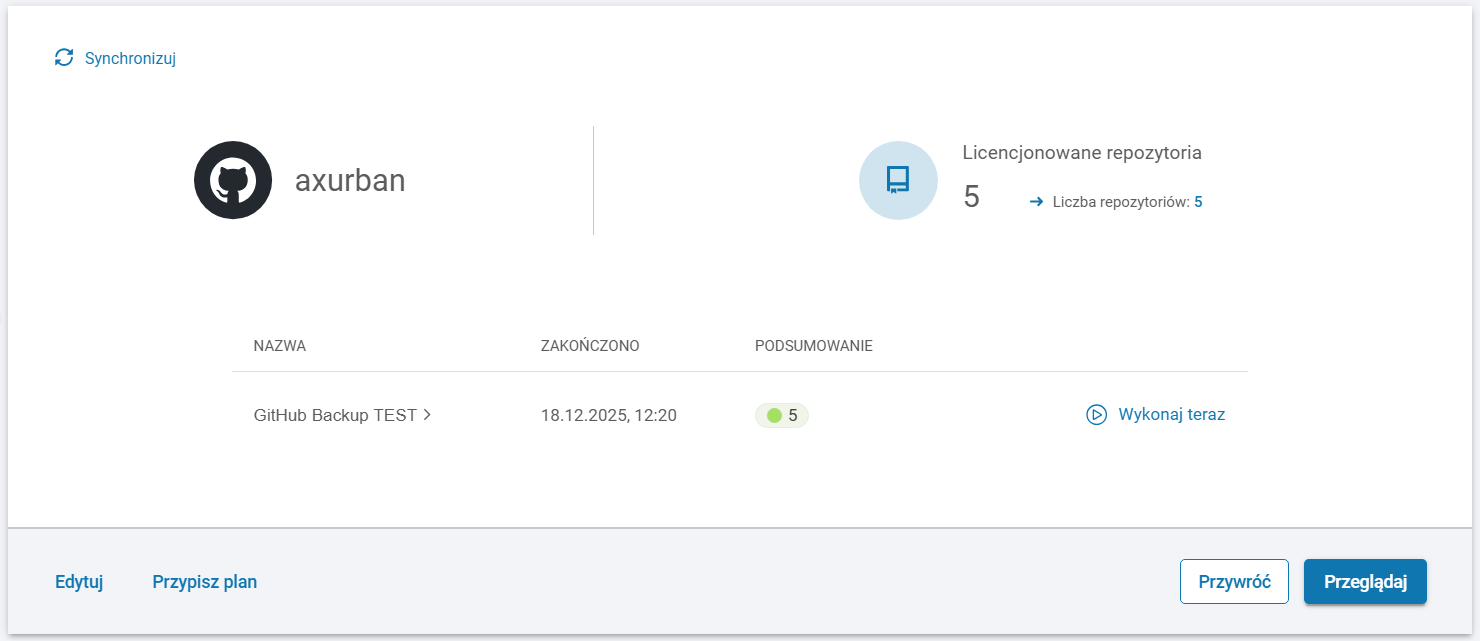
Każda organizacja dodana do **Xopero ONE** jest wyświetlana w odpowiednim dashboardzie **DevOps** (np. **GitHub, GitLab, Bitbucket**).

<figure><img src="/files/Typ88vTQRAe7pyjgPOOU" alt=""><figcaption></figcaption></figure>

***

## Chronione repozytoria

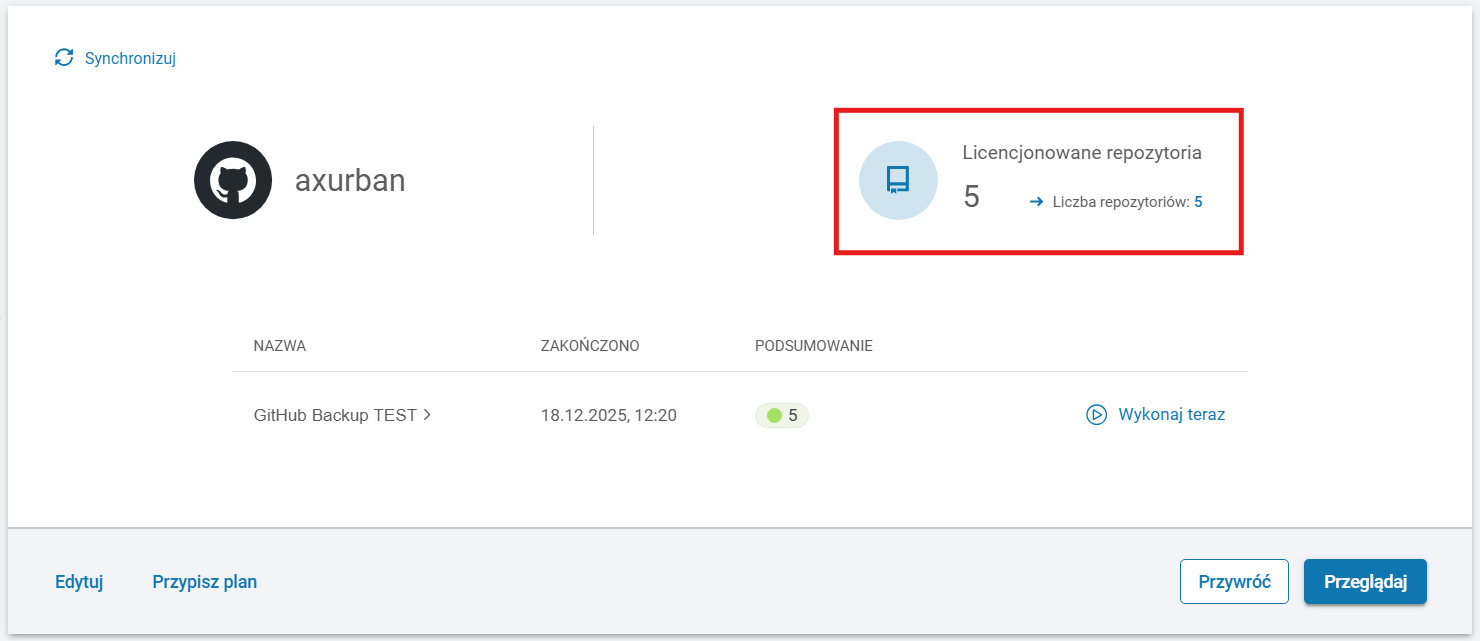
Ta sekcja wyświetla informacje o wszystkich repozytoriach, w tym całkowitą ich liczbę oraz liczbę repozytoriów z przypisaną licencją.

<figure><img src="/files/32t6lopDCG4WbOgg9efh" alt=""><figcaption></figcaption></figure>

***

## Przypisane plany

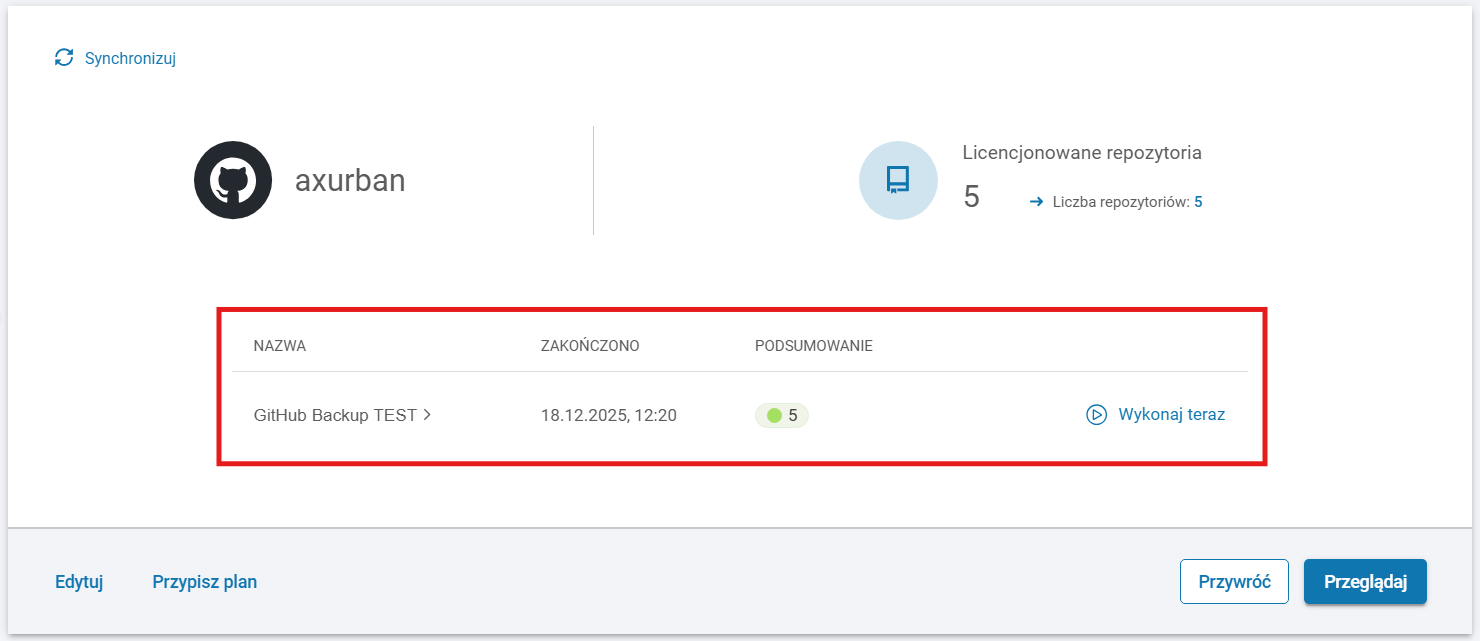
W tym miejscu możesz zobaczyć wszystkie plany backupu przypisane do organizacji, wraz ze statusem ostatnio wykonanej kopii zapasowej.

<figure><img src="/files/UQ3TC0bTqHkttWr8RRQF" alt=""><figcaption></figcaption></figure>

***

## Przypisywanie planu

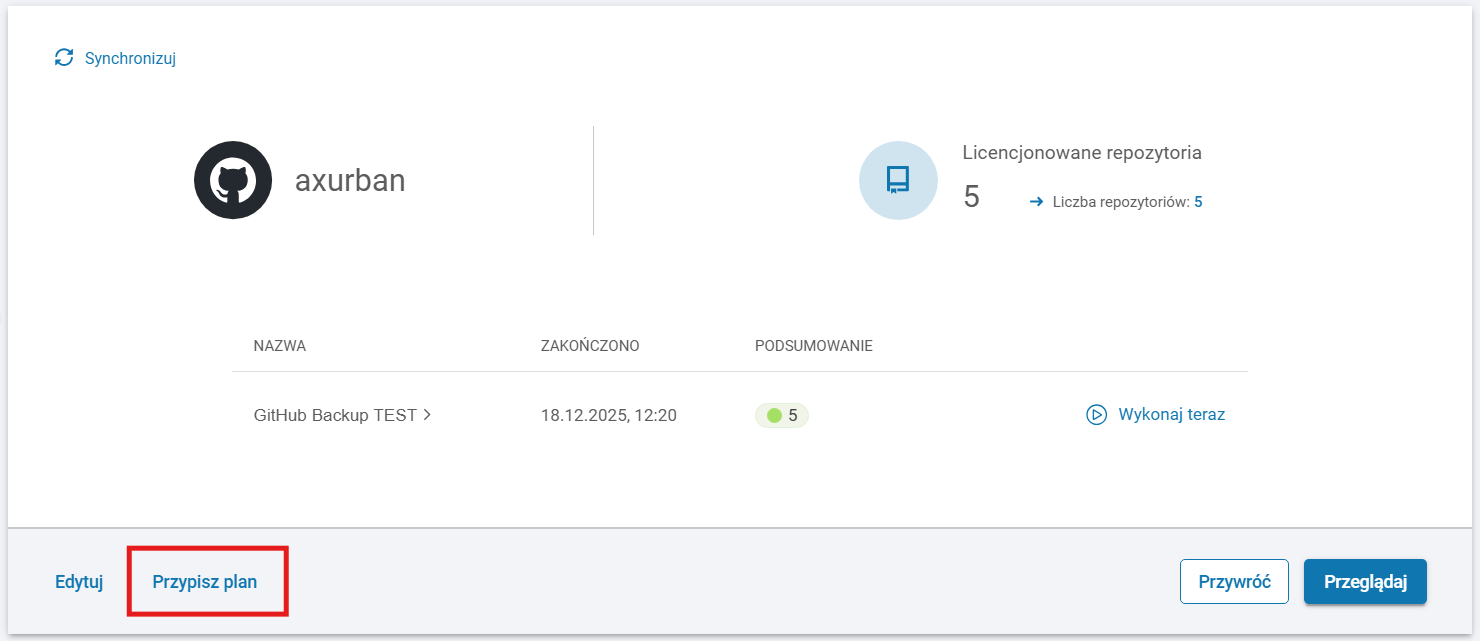
Możesz przypisać swoją organizację do istniejącego planu backupu lub utworzyć nowy, korzystając z opcji **Przypisz plan**.

<figure><img src="/files/rm8Mg2rjX92kyRBxzc9j" alt=""><figcaption></figcaption></figure>

***

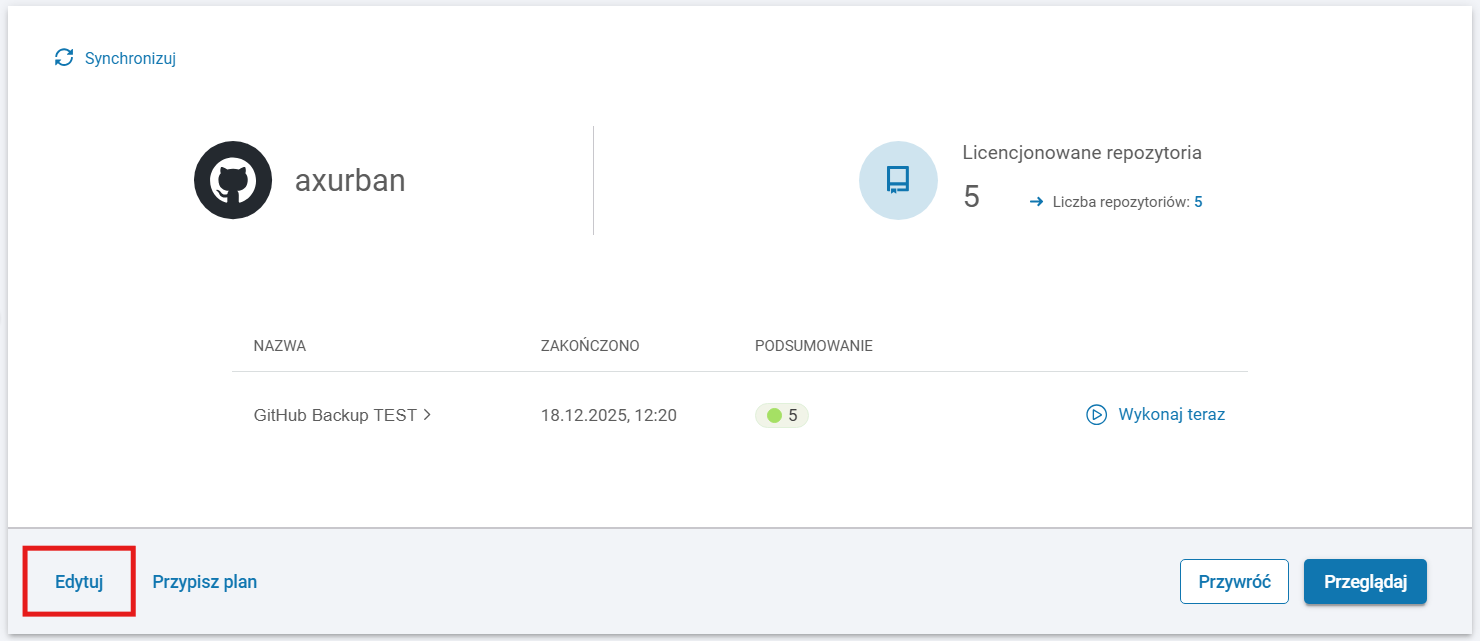
## Zarządzanie

Możesz edytować szczegóły swojej organizacji, korzystając z opcji **Edytuj**.

<figure><img src="/files/6lchpUU0jhqK00Rty3Ih" alt=""><figcaption></figcaption></figure>

***

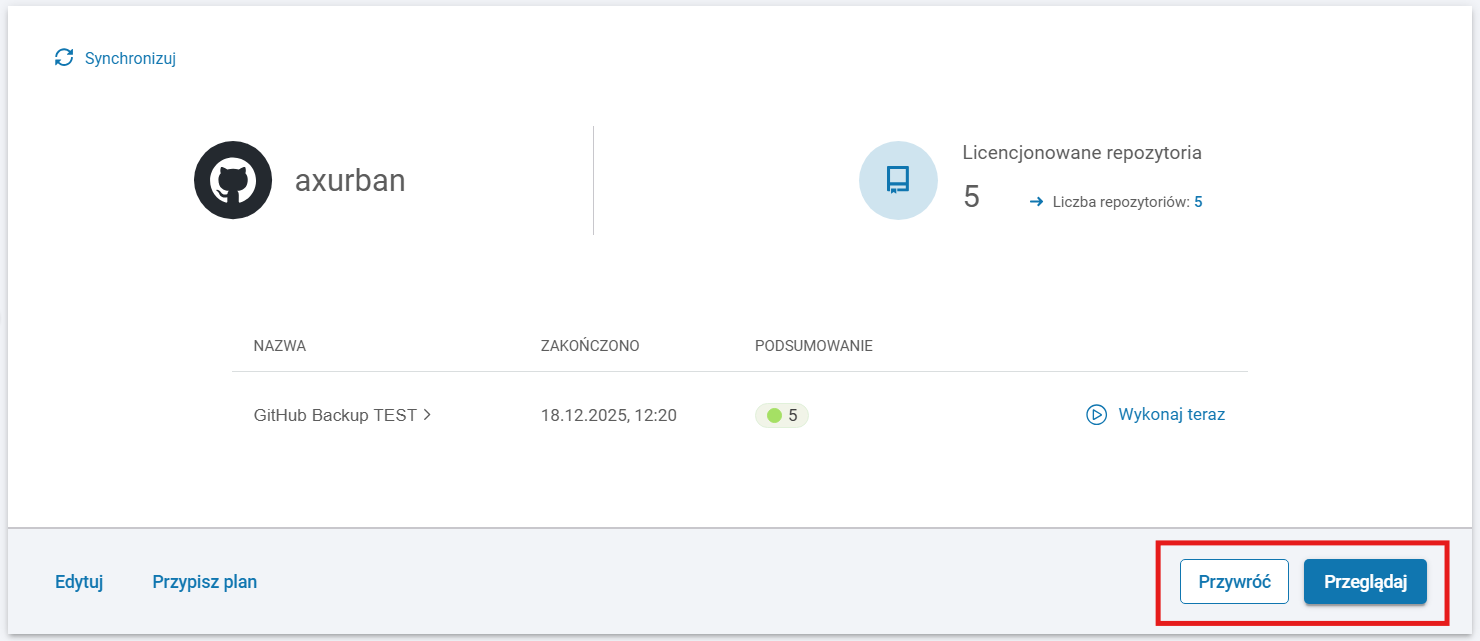
## Przywracanie

Przyciski **Przywróć** oraz **Przeglądaj** wyświetlają listę repozytoriów w organizacji wraz z panelem przywracania widocznym z boku ekranu.

<figure><img src="/files/sDkbn3QFlb9NkmNlJu4Z" alt=""><figcaption></figcaption></figure>

[^1]: Xopero ONE Management System

---

# Agent Instructions
This documentation is published with GitBook. GitBook is the documentation platform designed so that both humans and AI agents can read, navigate, and reason over technical content effectively. Learn more at gitbook.com.

## Querying This Documentation
If you need additional information that is not directly available in this page, you can query the documentation dynamically by asking a question.

Perform an HTTP GET request on the current page URL with the `ask` query parameter, and the optional `goal` query parameter:

```
GET https://helpcenter.xopero.com/xopero-one-en/pl/zarzadzanie/devops/dashboard-organizacji.md?ask=<question>&goal=<endgoal>
```

`ask` is the immediate question: it should be specific, self-contained, and written in natural language.
`goal` is optional and describes the broader end goal you are ultimately trying to accomplish on behalf of the user. GitBook uses it to tailor the answer towards what is most useful for that goal.

The response will contain a direct answer to the question and relevant excerpts and sources from the documentation.

Use this mechanism when the answer is not explicitly present in the current page, you need clarification or additional context, or you want to retrieve related documentation sections.