> For the complete documentation index, see [llms.txt](https://helpcenter.xopero.com/xopero-one-en/llms.txt). Markdown versions of documentation pages are available by appending `.md` to page URLs; this page is available as [Markdown](https://helpcenter.xopero.com/xopero-one-en/pl/zarzadzanie/devops/dashboard-repozytorium.md).
# Dashboard repozytorium
Ten artykuł zawiera informacje na temat dashboardu repozytorium oraz jego szczegółów.
#### Szczegółowe informacje o aktywnych repozytoriach można wyświetlić z poziomu widoku listy repozytoriów. Listę tę otworzysz za pomocą przycisku Przeglądaj w dashboardzie organizacji DevOps.
***
## Szczegółowe informacje
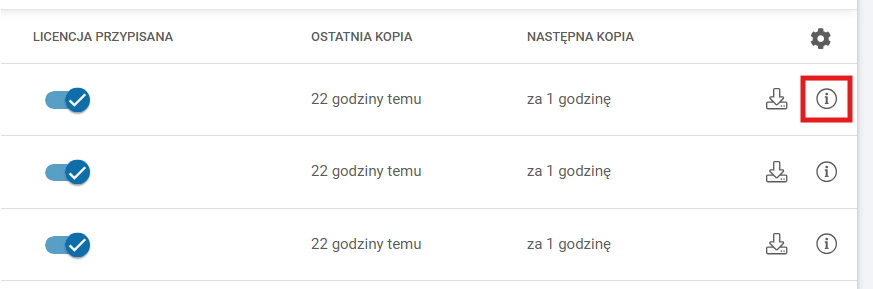
W widoku listy repozytoriów kliknij ikonę **Szczegóły repozytorium** znajdującą się obok repozytorium, które chcesz sprawdzić, aby otworzyć panel boczny ze szczegółami.
***
## Szczegóły repozytorium
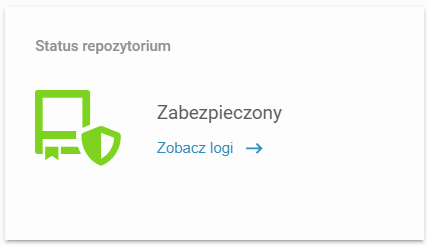
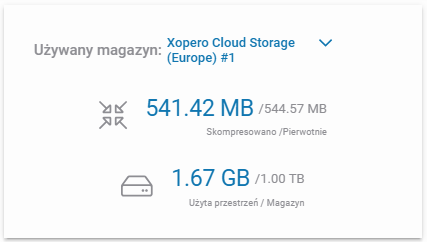
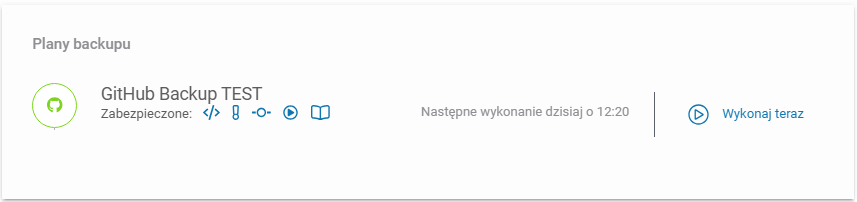
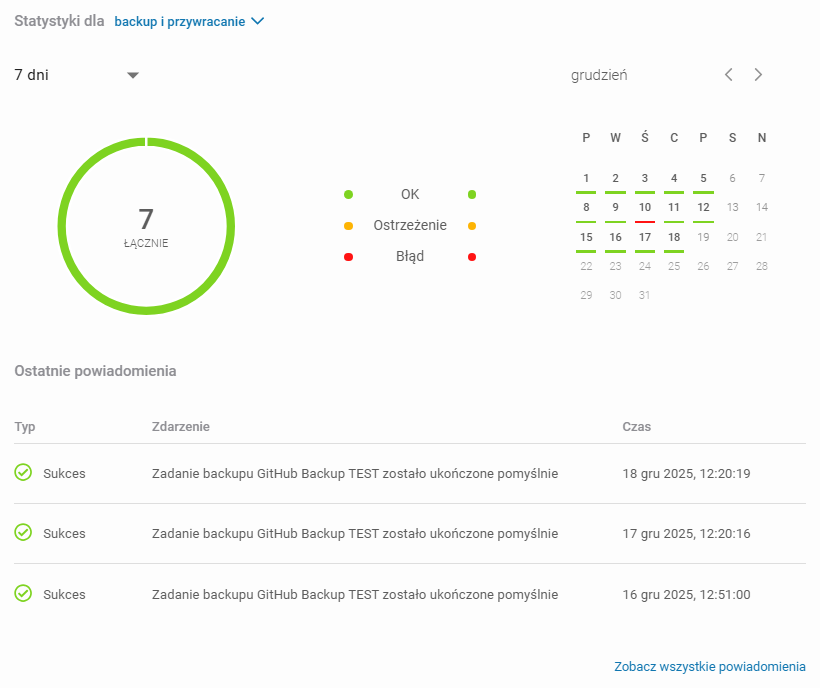
Panel boczny ze szczegółami repozytorium jest podzielony na 4 oddzielne kafelki zawierające różne informacje o repozytorium oraz backupie.
### Status repozytorium
### Zajętość magazynu
### Plany backupu
### Statystyki i powiadomienia
 **Szczegóły repozytorium** znajdującą się obok repozytorium, które chcesz sprawdzić, aby otworzyć panel boczny ze szczegółami.