> For the complete documentation index, see [llms.txt](https://helpcenter.xopero.com/xopero-one-en/llms.txt). Markdown versions of documentation pages are available by appending `.md` to page URLs; this page is available as [Markdown](https://helpcenter.xopero.com/xopero-one-en/sign-in-and-authentication/login-methods/login-with-username-and-password.md).
# Login with username and password
Simple guide on how to log in to Xopero ONE with a username and password.
{% stepper %}
{% step %}
### Connect to your Xopero ONE Management Service.
Use \:\ for the on-prem model or [your unique login URL](#user-content-fn-1)[^1] for SaaS model.
{% endstep %}
{% step %}
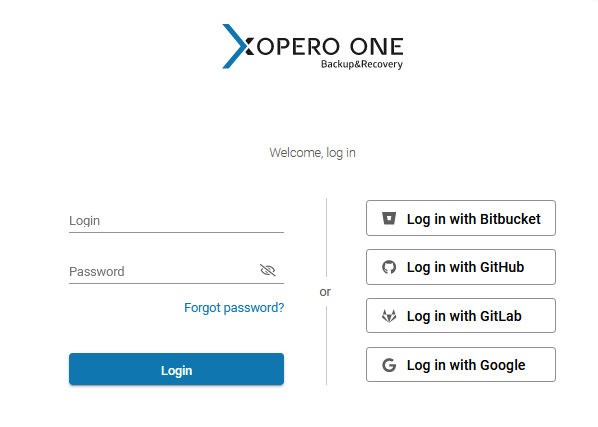
### Enter your login and password in the appropriate fields and hit **Login**.
{% endstep %}
{% endstepper %}
[^1]: You can find it in the welcome email sent by **Xopero**.