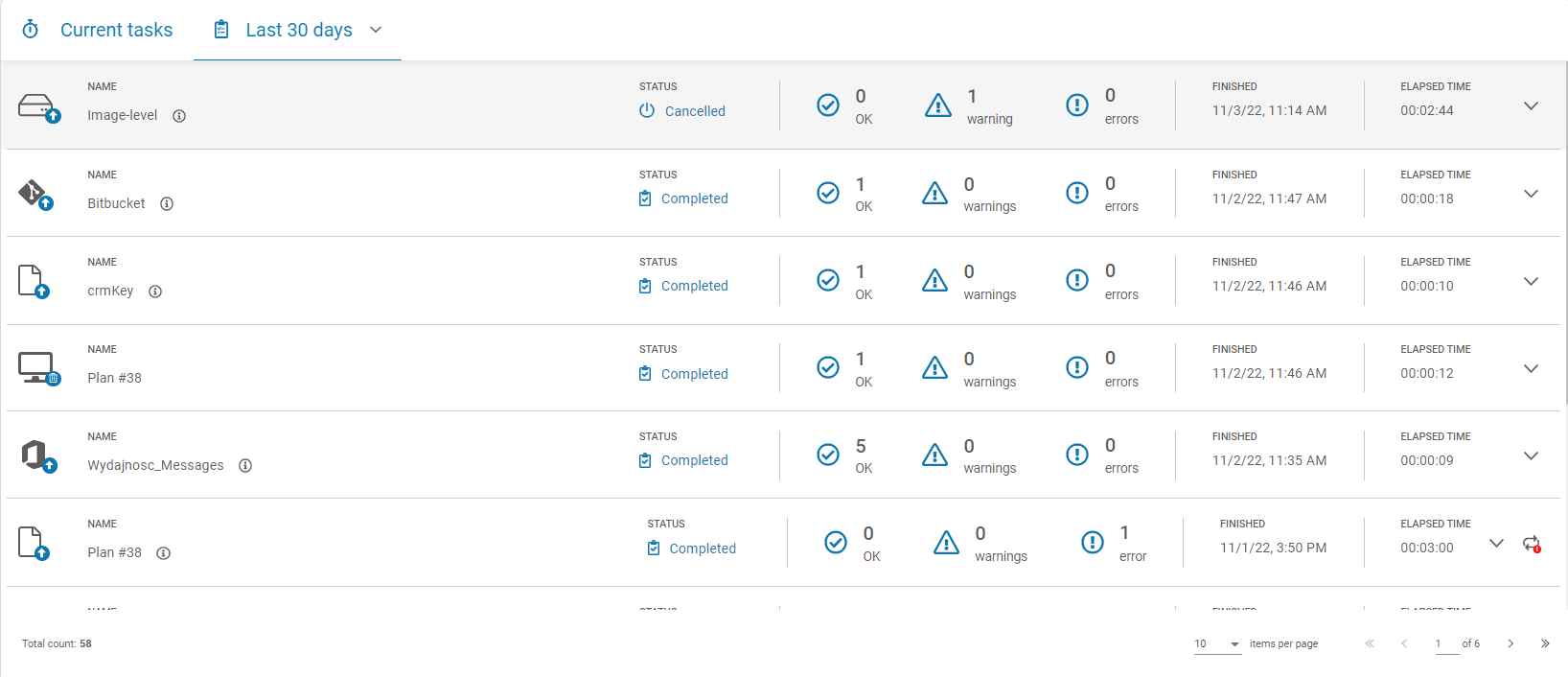
This article provides information about the list of current and past tasks in the Tasks tab.
Ongoing tasks can be found in the Current tasks tab. You can view task details by expanding the task row using the arrow caret button on the right side of the window.
The past task list can be viewed in the Last tasks tab. By default, it shows the task status, end time, and elapsed time. Similar to the Current Tasks tab, you can view task details by expanding the task row using the arrow caret button on the right side of the window.
You can choose to view tasks from the last 24 hours, 7 days, 14 days, or 30 days, depending on the time range you’re interested in.