Installation on Windows & Linux
This article describes the process of Xopero ONE Management Service installation on Windows, Linux, and as a Docker container for on-premise deployment model.
Installation process for Windows
Download and run Xopero ONE installer.

Click Next to start the installation setup.

Accept the End-User License Agreement and hit Next to continue.

Select the installation folder and click Next.

Define the HTTP port for Xopero ONE Management Service. Depending on your needs you can either use a custom HTTP port, or stay with the default XMS HTTP port (28555).

Click Install to start the installation process.

Once the installation is completed successfully, click Finish to close the installation wizard.
Installation process for Linux
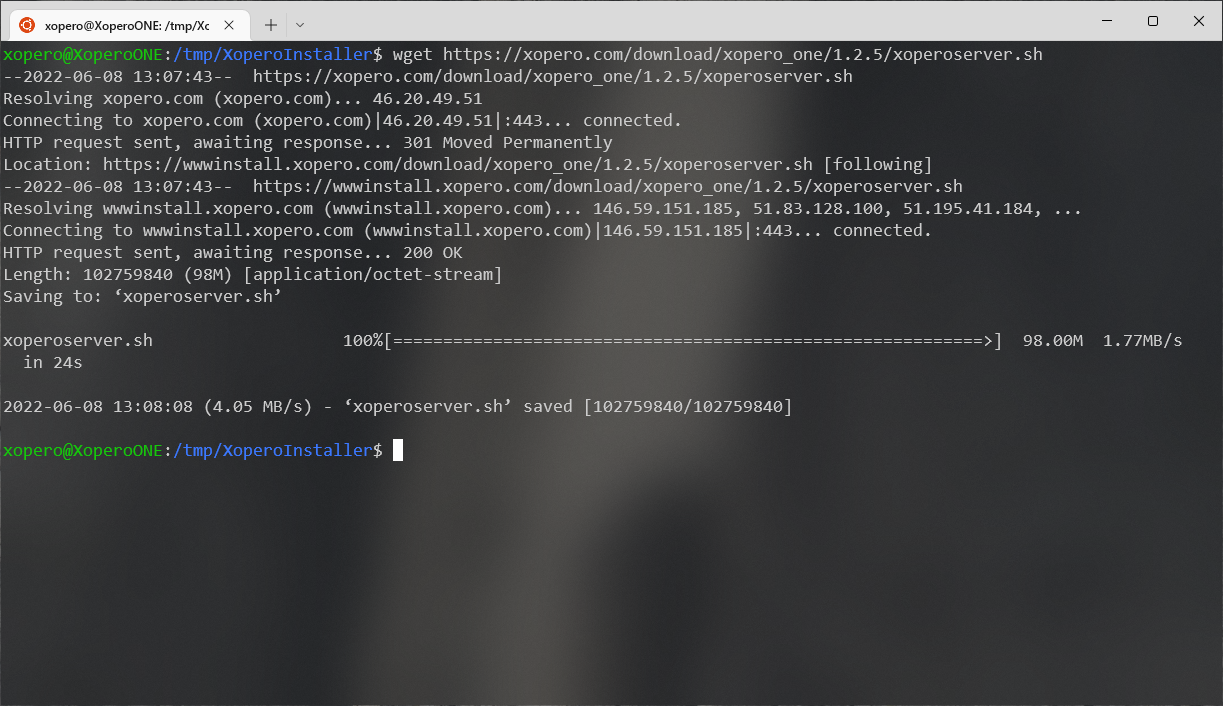
Download and run Xopero ONE installer (
XoperoONEManagementService.sh).
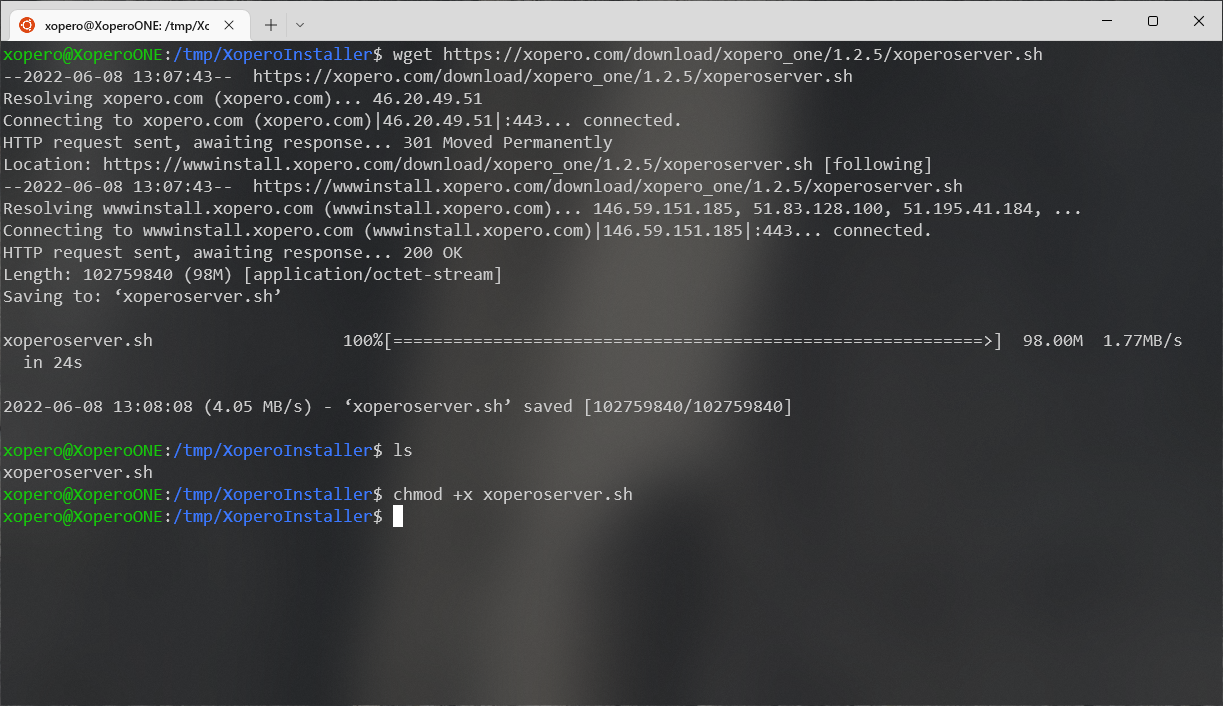
Add
executepermission to the downloaded file using the following command:
chmod +x xoperoserver.shRun
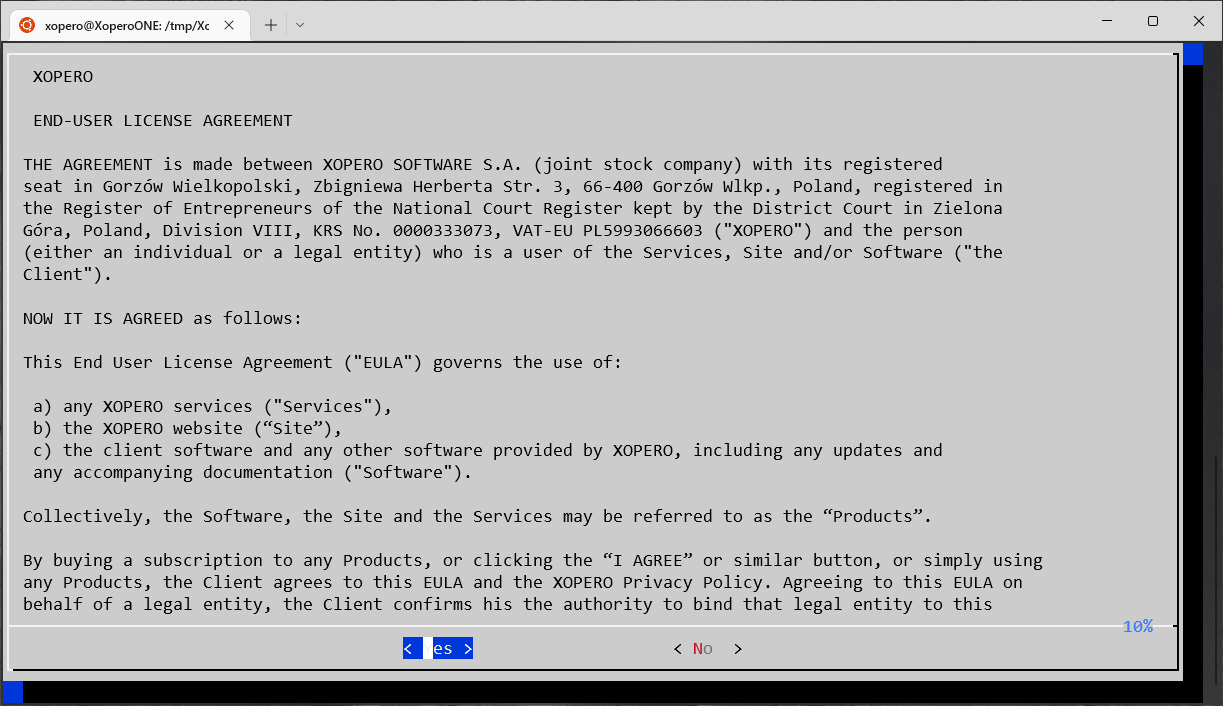
xoperoserver.sh. Accept the End-User License Agreement to continue.
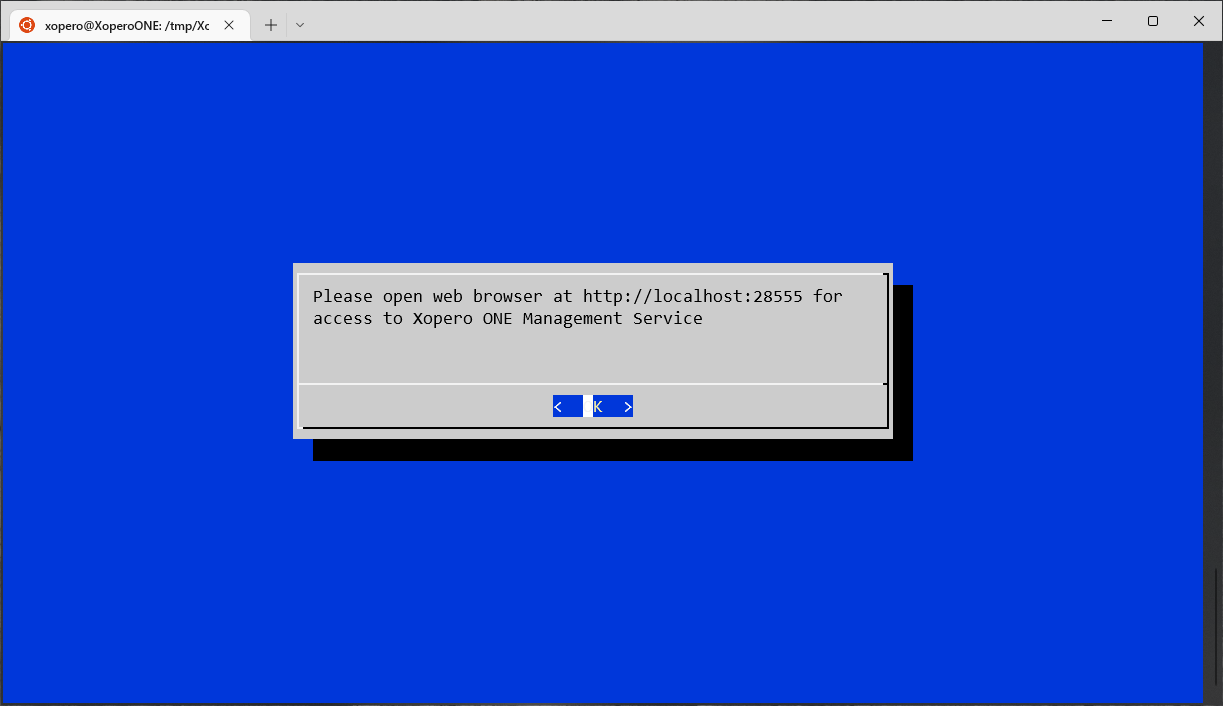
Once the installation is completed, you can close the software installation window.