All pages
Powered by GitBook
1 of 3

Loading...

Loading...

Loading...

Login with username and password

Simple guide on how to log in to Xopero ONE with a username and password.

1

Use <ipAddress>:<port> for the on-prem model or your unique login URL for SaaS model.

2

Connect to your Xopero ONE Management Service.

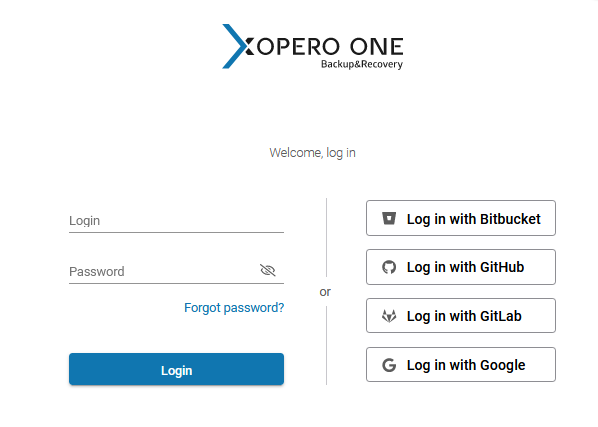
Enter your login and password in the appropriate fields and hit Login.

Login methods

Login with SSO
Login with username and password
Cover
Cover

Login with SSO

Learn how to log in to Xopero ONE with SSO.

1

Connect to your Xopero ONE Management Service.

Use <ipAddress>:<port> for the on-prem model or your unique login URL for SaaS model.

2

Select one of the available SSO options.

To log in to Xopero ONE using SSO, you can choose one of the following providers: Bitbucket, GitHub, GitLab, Google, or Microsoft. If you want to use your private identity provider for quick login, configure your IdP using the SAML protocol. See more in section.

3

Go through the selected supplier's login process.

4

Once signed in, you will be automatically redirected to your XMS main page.
External Identity Providers (SAML)
SSO options example for Xopero ONE SaaS.