> For the complete documentation index, see [llms.txt](https://helpcenter.xopero.com/xopero-one-en/llms.txt). Markdown versions of documentation pages are available by appending `.md` to page URLs; this page is available as [Markdown](https://helpcenter.xopero.com/xopero-one-en/updates/xopero-one-management-service/update-on-linux.md).
# Update on Linux
This article describes the process of updating Xopero ONE Management Service on Linux computers.
#### The idea behind updating the Management Service is to complete a few steps in the installation wizard.
***
## Update process
{% hint style="info" %}
The below guide applies to **Xopero ONE Management Service** on-prem deployment model.
{% endhint %}
{% stepper %}
{% step %}
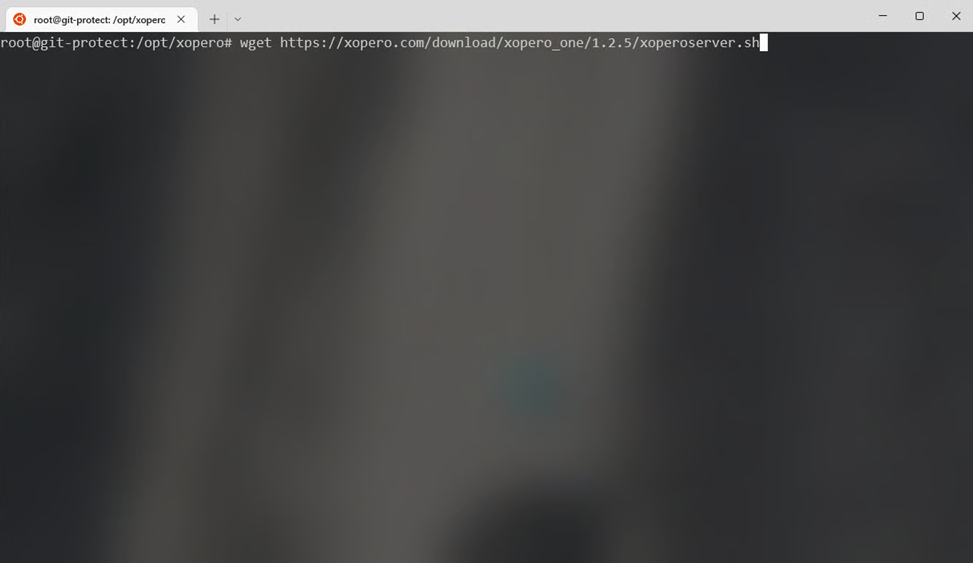
Download the **Xopero ONE Management Service** installer (**xoperoserver.sh**).
{% endstep %}
{% step %}
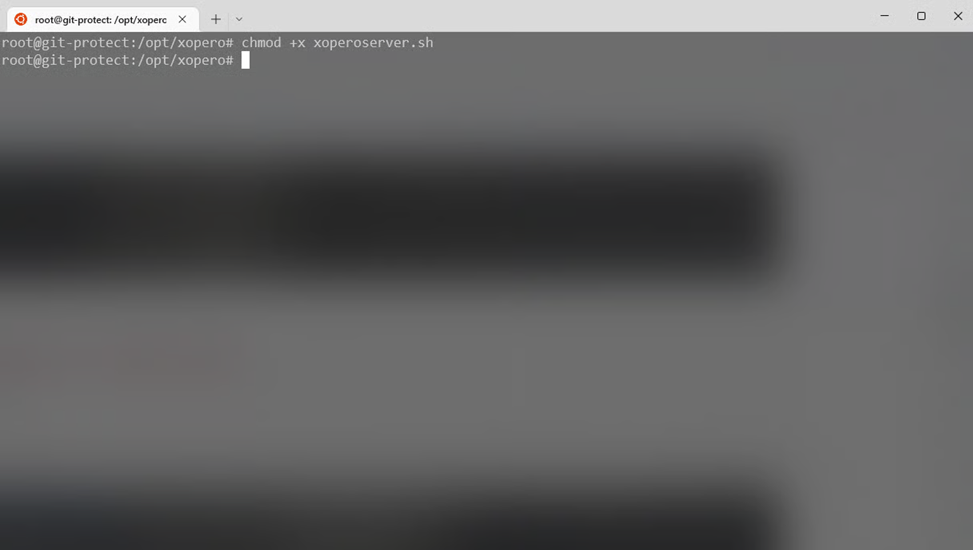
Grant privileges to the downloaded file by using the following command:
```c
chmod +x xoperoserver.sh
```
{% endstep %}
{% step %}
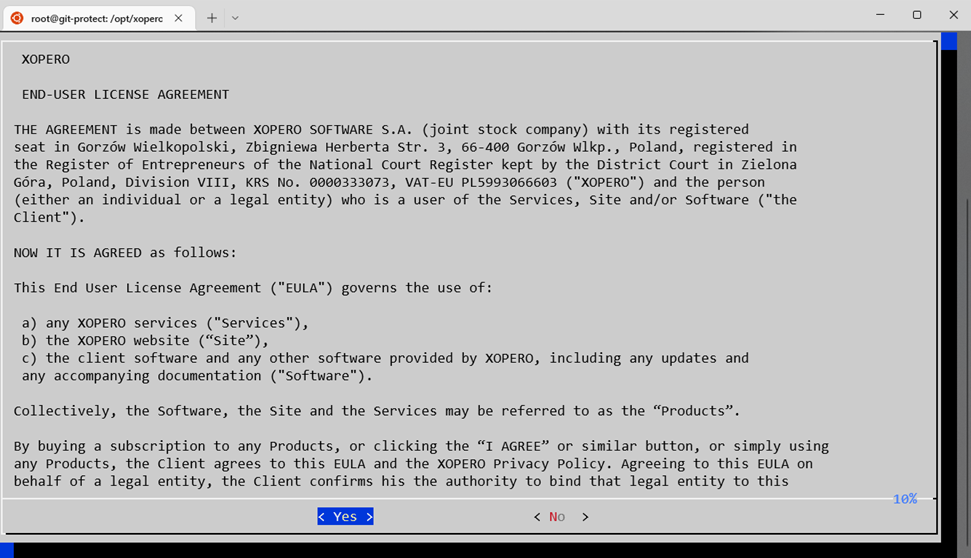
Run the **xoperoserver.sh** file and confirm the **End-User License Agreement** to continue.
{% endstep %}
{% step %}
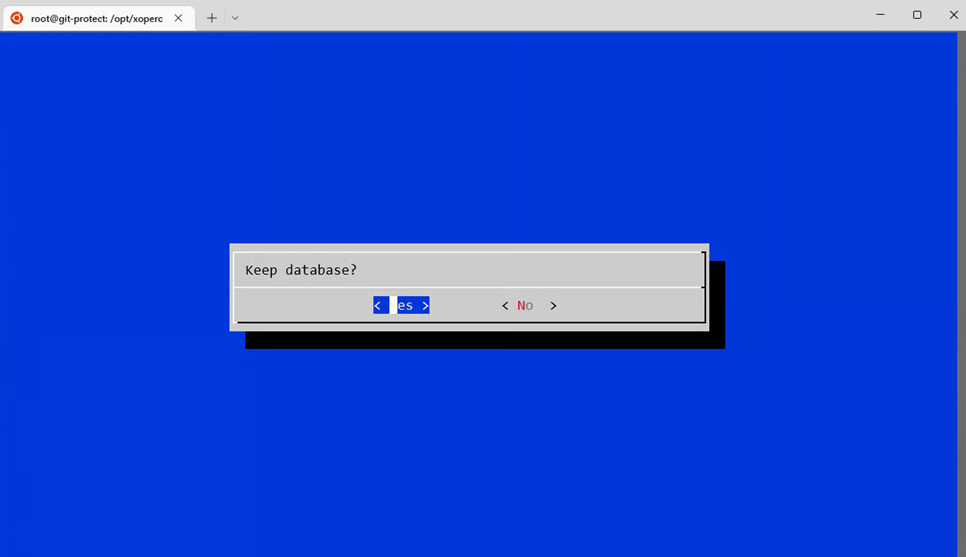
Keep the existing database by selecting **Yes**.
{% endstep %}
{% step %}
After the process is complete, close the installation window by selecting **OK**.
{% endstep %}
{% step %}
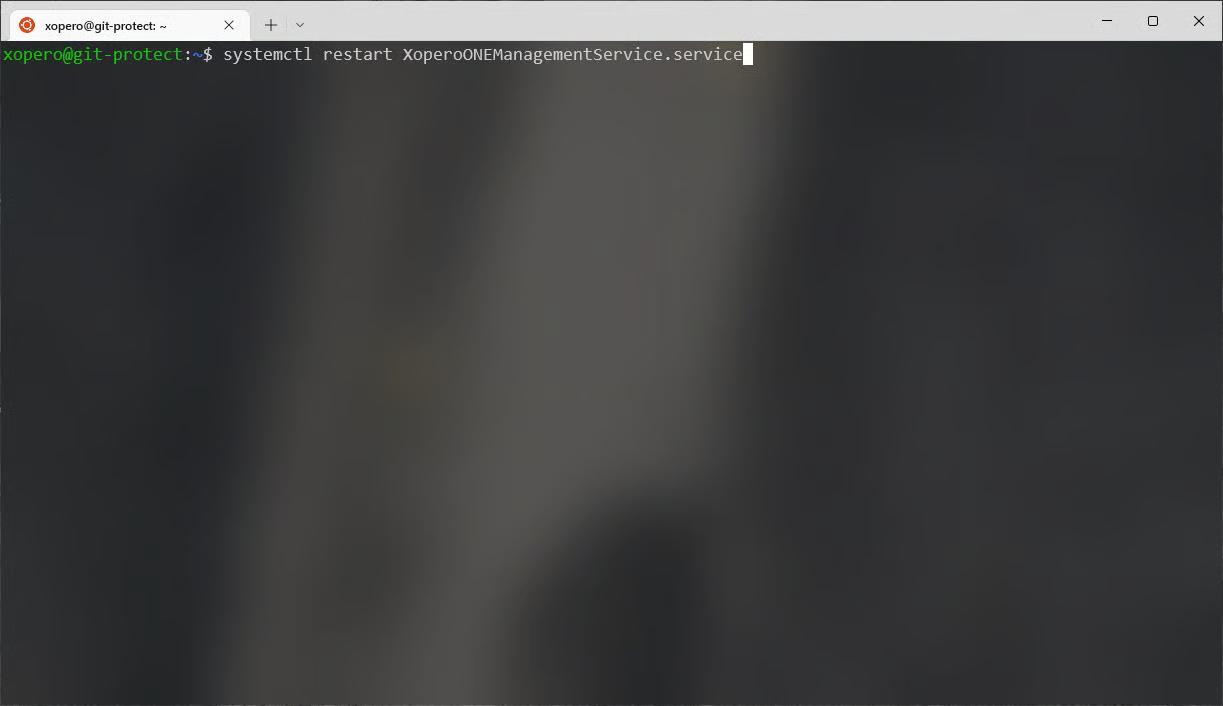
Restart the **Xopero ONE Management Service** using the following command:
```c
systemctl restart XoperoONEManagementService.service
```
{% endstep %}
{% step %}
The **Xopero ONE Management Service** is now updated and ready to work with.
{% endstep %}
{% endstepper %}